ConcertinaXL
30-Button C/G Anglo Concertina
for the iPhone and iPad
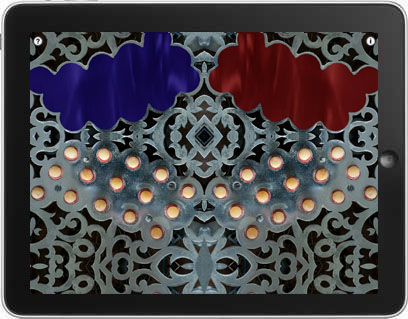

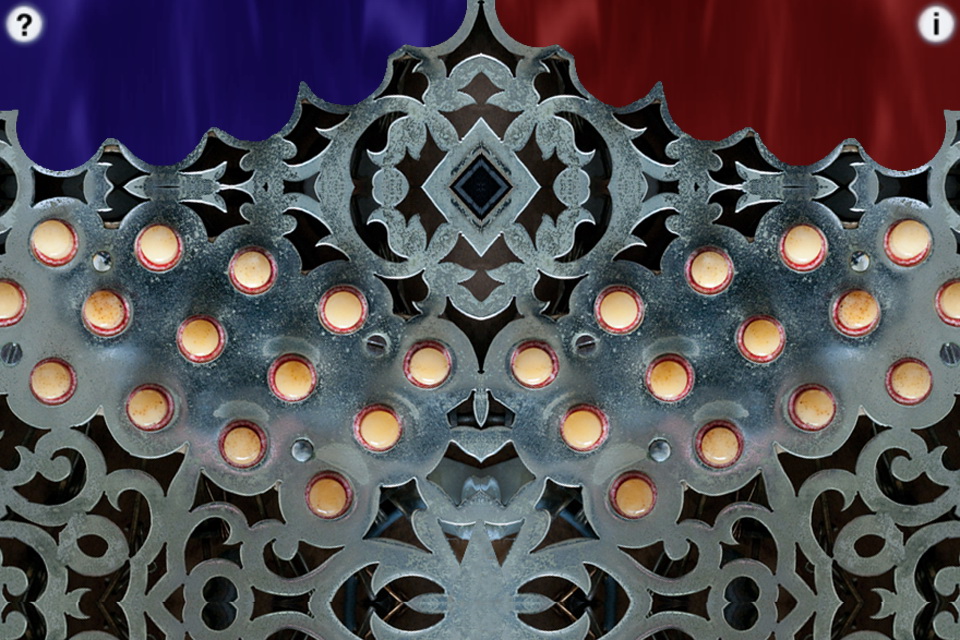
ConcertinaXL is a 30-button C/G tuned Anglo Concertina for the iPad and iPhone and may be transposed into any other key.
The Anglo Concertina is commonly used for playing traditional Irish dance tunes, and is a much-favored instrument in County Clare, Ireland.
The instrument is bisonoric, meaning the instrument plays a different note for each button depending on whether you are pushing or pulling on the bellows.
A C/G tuned instrument has the middle row in the key of C on the press, and the bottom row in the key of G on the press. The top row consists of the accidentals missing from the other two rows and alternate direction notes for notes on the other rows.
In the app, to play, place the iPad on your leg and simply tip the iPad to the left for a bellows push note, or to the right for a bellows pull note, and press a button.
The PUSH/PULL display on the top of the screen shows which direction the bellows is moving.
You may reverse the bellows while pushing a button simply by tipping in the opposite direction.
Multiple buttons may be pressed at the same time to play chords.
Note guide (touch the '?' icon on the upper left) shows the note names in realtime for each button when pushed or pulled.
Touch the "i" to bring up the controls.
On the controls, touch the "Calibrate" button to reset the center point for the tilt. Adjust the tilt sensitivity using the slider.
You may transpose the pitch up or down up to one octave in semitone increments.
Touch the number to the right of the transpose slider to reset the transpose to zero.
For a Bb/F instrument, set the transpose to -2, for an A/E, set the transpose to -3.
For a Bass Baritone instrument, one octave lower than a standard C/G instrument, set the transpose to -12.
When transposed, the note labels do not change, just the pitch produced.
All settings are saved when the app exits.
(iPad version) Touch the diamond area at the center bottom of the screen for tremolo effects. The higher up on the diamond, the greater the effect.
The button layout and spacing on an iPad exactly matches a real standard 30-button instrument.
Uses extremely high-quality audio samples recorded from a high-end Anglo C/G concertina.
"The Snowy Breasted Pearl" played on an iPad Pro
Main screen

Note guide (Push)
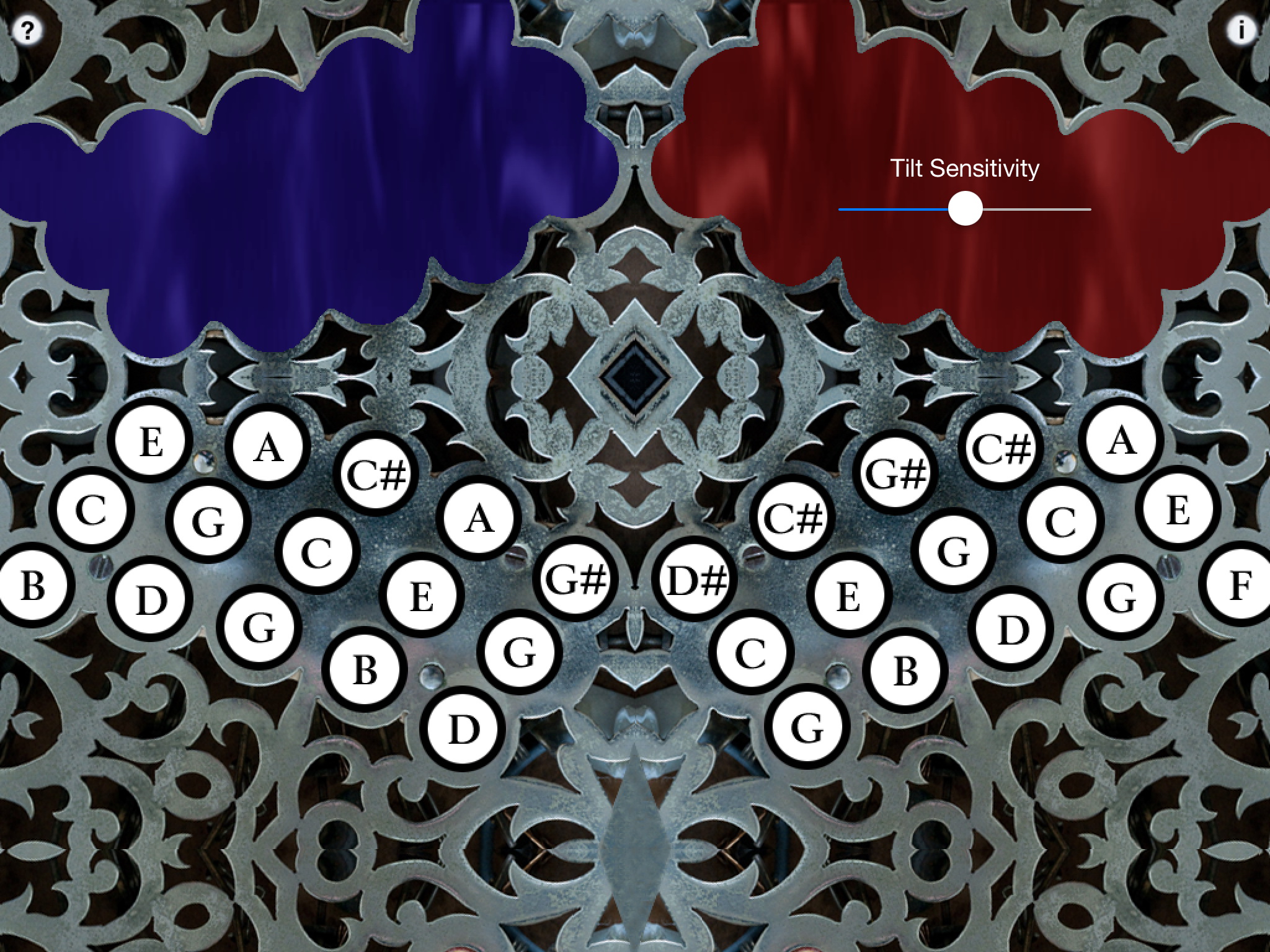
Note guide (Pull)
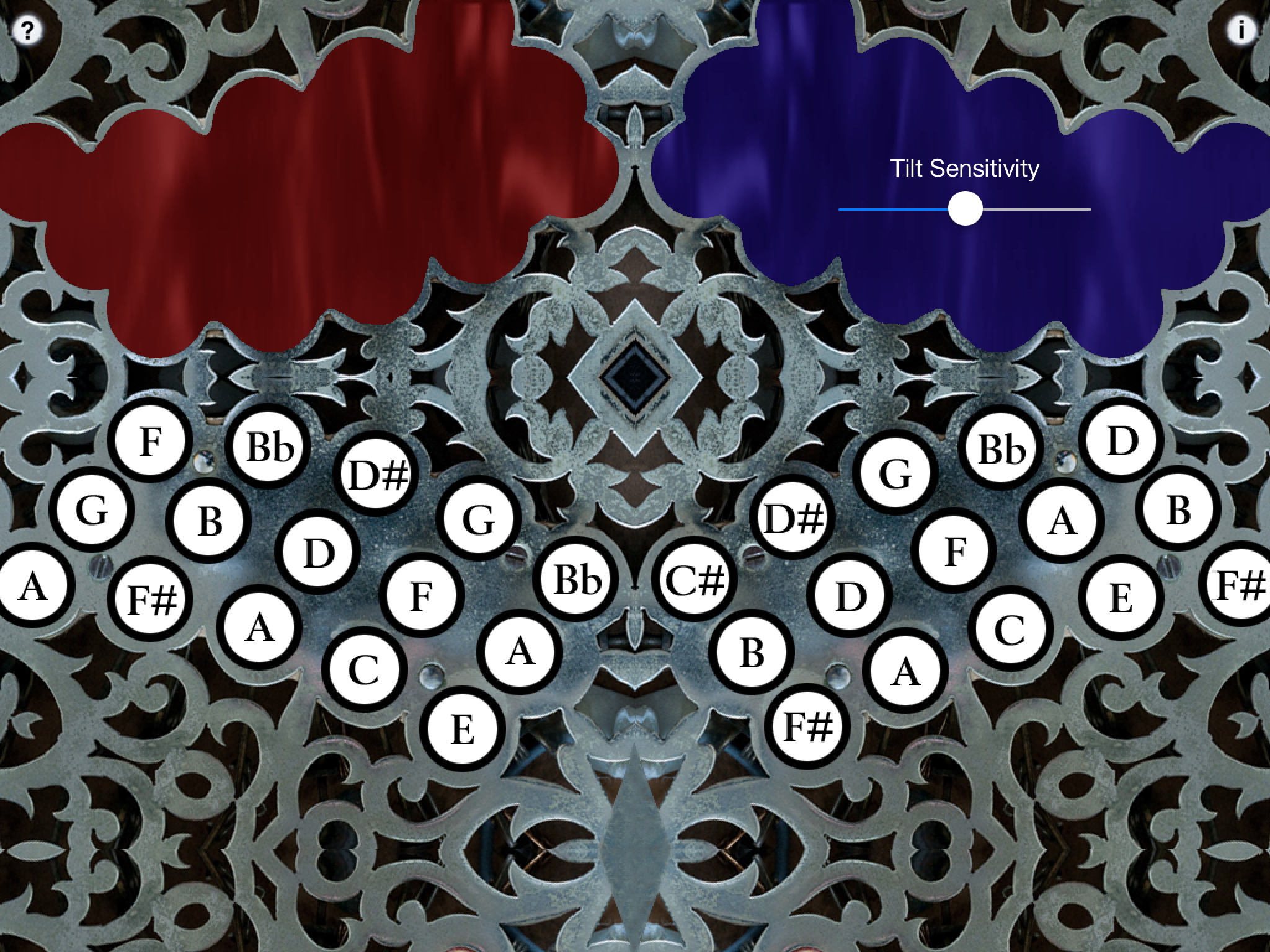
iPhone 5/6 version
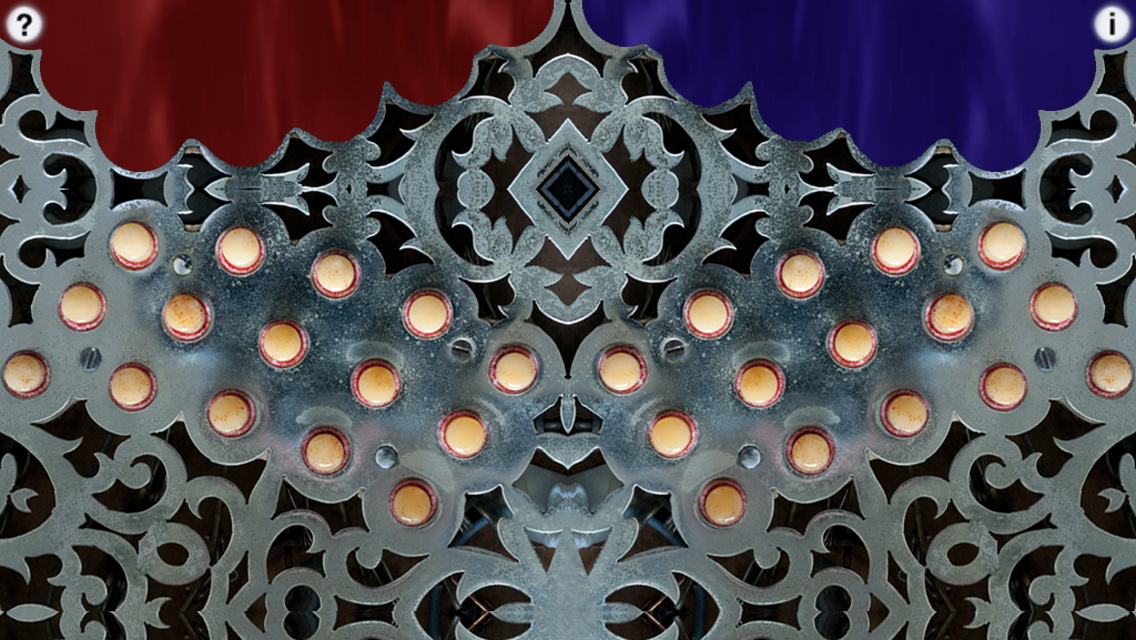
iPhone 4 version
Q: The sound stops when I put 4 fingers on the screen.
A: You must disable "Multitasking Gestures" in the iPad Settings to use many of my iPad apps.
Apple stops the sound and their gestures take over the iPad once three fingers are on the screen, so you need to disable them.
Q: Are the fingerings the same as a real Anglo Concertina?
A: Yes, exactly the same.
Q: What's the best way to play cleanly and quickly?
A: I find that the best way to play the app quickly and precisely is to use a staccato style. If you are changing fingers along with a bellows direction change, practice completely removing the previous finger from the button before the bellow change, tilt the iPad the other direction, and then put down your finger for the new note. This avoids "crossing" sounds and results in a very clean style of playing. With practice, you can play extremely quickly and cleanly using this method. This technique also translates well to the real instrument.
Q: Where can I learn more about how to play the instrument?
A: Please visit the following sites for more information and online learning materials:
Concertina.net - Learning to Play the Anglo Concertina
Q: Now that I've learned the fingerings for some tunes on the iPhone/iPod Touch app, I'd like to buy a real concertina. Who do you recommend?
A: I personally own or have owned instruments from the following builders and highly recommend any of them:
Also The Button Box carries a wide range of new and vintage instruments.
Anglo concertina is difficult enough on a real instrument, so as I've adapted to playing on the iPad, I've learned some tricks to make it easier to play faster and more accurately.
For best speed, on my iPad, I generally have the tilt sensitivity set rather high.
Rather than have the iPad perfectly balanced on my leg, I have the pivot point on my leg so the left side is a bit heavier than the right.
This allow me to use my right hand as the primary tilt control, much as I would handle the bellows on a real instrument.
In this configuration, you can press with your right palm for a push, and just relax your hand and allow the iPad to tilt on it's own to the left for a pull.
This frees up the fingers of the left hand to play more fluidly, particularly the ring and little finger.
I am very interested in any suggestions for features or improvements to the apps for future updates, please drop me an email anytime with your ideas!
For more information, please contact Michael Eskin or visit the AppCordions.com website:
registered in the U.S. and other countries. App Store is a service mark of Apple Inc.