Säckpipa - Play the Swedish Bagpipes
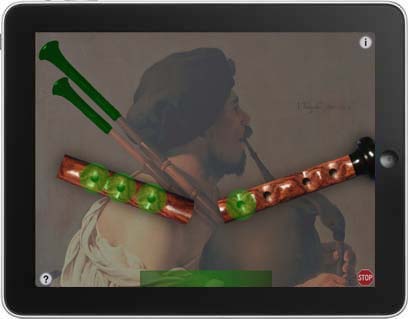

Säckpipa is an authentic sounding set of traditional Swedish bagpipes.
The Säckpipa is a simple mouth blown bagpipe with a single drone and a lovely, haunting sound.
Demonstration of Säckpipa, shows both the D/G and E/A scale tunings
Orlan Charles - "Back to Home"
How to Play
To get started, make sure that the orientation lock switch on your iPad (just above the volume controls on the side) is in the off position, then rotate the iPad to landscape orientation to play.
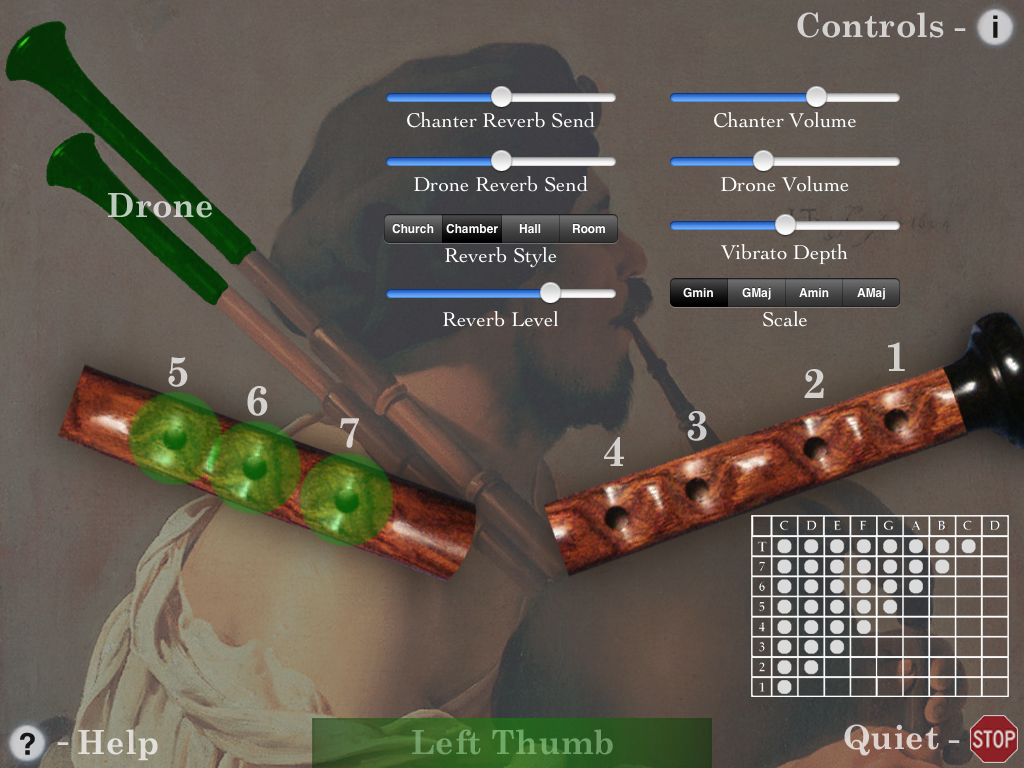
Touch the drones in the painting to start/stop the drones.
Touch the bar at the bottom of the screen with your left thumb. It represents the hole on the back of the chanter for the highest note and must be covered for other lower notes to play.
Next, touch the left half of the chanter starting with the tips of your left index, middle, and ring fingers.
Finally, touch the right half of the chanter with the tips of your right index, middle, ring, and little fingers.
Touch the Stop sign at the lower right corner of the screen to stop all sounds.
Touch the 'i' icon at the upper right corner of the main screen to show/hide the live performance controls. All settings are saved and restored the next time the app is run.
You may choose between playing in major or minor scales in the most popular keys of D/G or E/A.
You may perform finger vibrato for expression on most notes with the middle finger of the right hand. Vibrato depth is adjustable with the on-screen control.
Touch the '?' icon at the lower left corner of the screen to show/hide the on-screen help and fingering chart.
Chanter image based on a beautiful Kingwood instrument built by Seth Hamon at www.swedishbagpipes.com.
Audio samples provided by Jonathan Parker from a D/G säckpipa, made in 1986 by Leif Eriksson.
You may play along with music tracks on your iPad by starting them in the iPod app, then launching Säckpipa.
For those who already own one of my other Bagpipes (Bagpipes, Border Pipes, Smallpipes) apps for the iPad, selecting either of the major key options gives a scale compatible with Scottish Highland chanter fingerings.
Thank you to Mike DeSmidt and Jonathan Parker for their support in the development of this app and first introducing me to the Säckpipa!
"Säckpipa" main screen
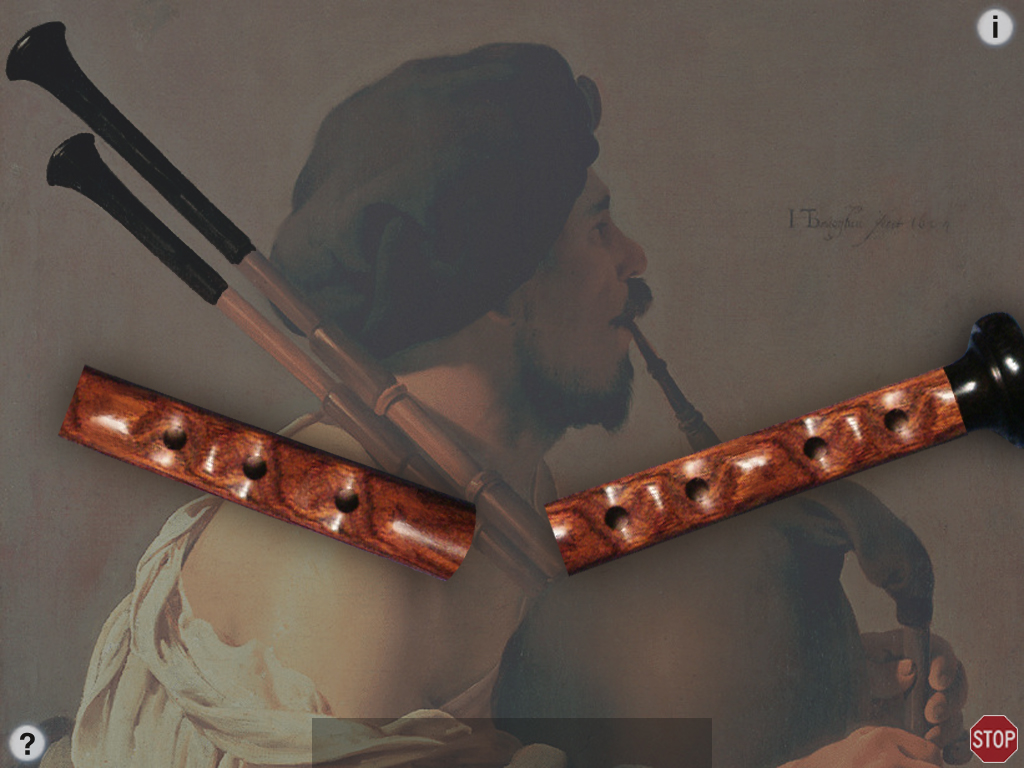
"Säckpipa" playing the chanter, drone enabled
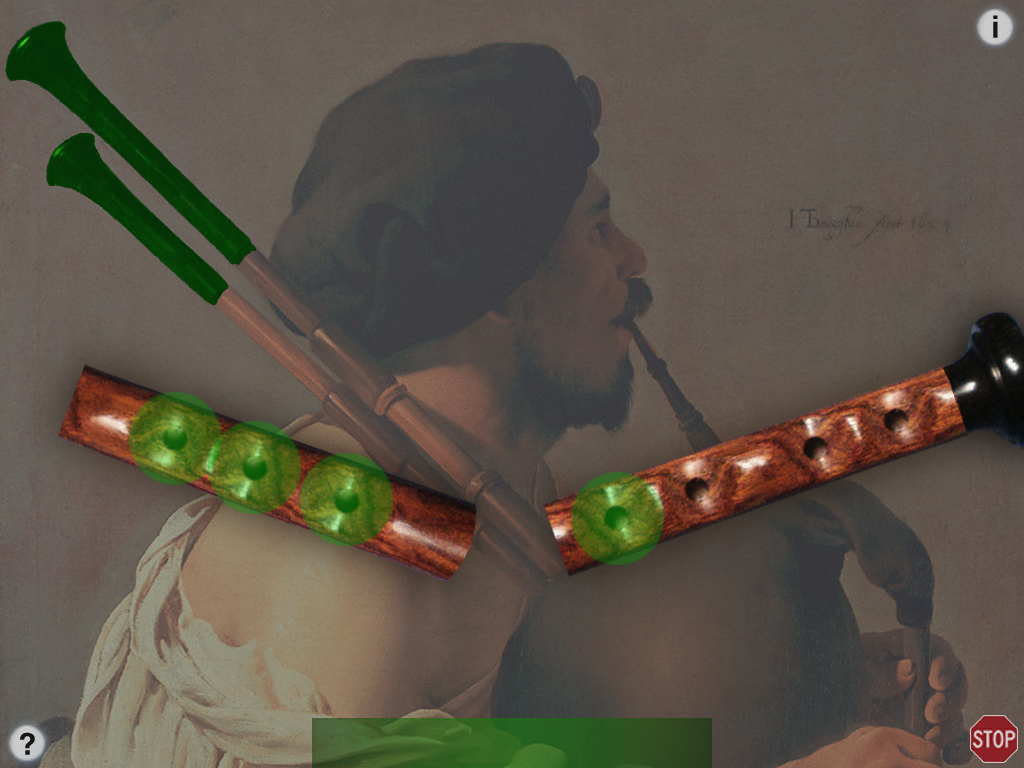
"Säckpipa" controls enabled, playing the chanter, drone enabled
<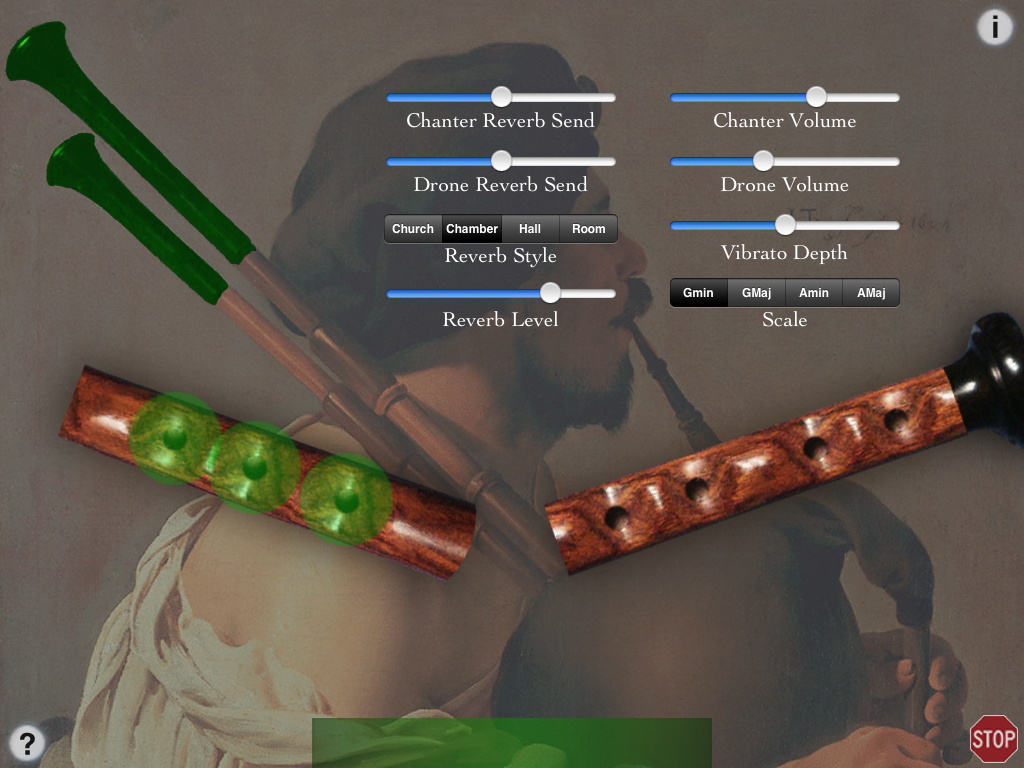
"Säckpipa" controls and help enabled, playing the chanter, drone enabled
Q: The sound stops when I put 4 fingers on the screen.
A: You must disable "Multitasking Gestures" in the iPad Settings to use many of my iPad apps.
Apple stops the sound and their gestures take over the iPad once three fingers are on the screen, so you need to disable them.
Q: I'm not hearing any different notes! Help!
A: On the real Swedish Säckpipa pipes, you have to keep your left thumb covering the back chanter hole for all notes except the highest one.
On the app, the back chanter hole is provided by the gray bar (lights up green) at the bottom of the screen under your left thumb.
If you aren't hearing any different notes, make sure your left thumb is on the bar.
Q: Are the fingerings the same as a real Säckpipa?
A: Yes.
The left half of the chanter is for the "top" hand, the right half is the "bottom" hand.
The bar at the bottom center is the left thumb hole that is on the back of a real chanter.
Q: How should I get started playing?
A: To get started playing, touch the bar at the bottom with your left thumb, and touch the left side of the chanter starting with the tips of your left index, middle, and ring fingers.
Next touch the right side of the chanter with the tips of your right index, middle, ring, and little fingers.
The tips of the fingers must be used, not the flats. This is a limitation of the iPad multi-touch input system.
Seth Hamon is a builder of fine instruments here in the USA: www.swedishbagpipes.com.
Here's some Dorian mode drone sample .mp3 files for the keys of G and A you can play looped in the background on the iPad before starting up the Säckpipa app:
Right-click and save the files to your hard drive, then sync them to your iPad using iTunes.
For Dorian mode, select the G or A major scale in the app, then play starting on the second scale tone.
Thank you to Ian Law for the suggestion.
I am very interested in any suggestions for features or improvements to the apps for future updates, please drop me an email anytime with your ideas!
For more information, please contact Michael Eskin or visit the AppCordions.com website:
registered in the U.S. and other countries. App Store is a service mark of Apple Inc.