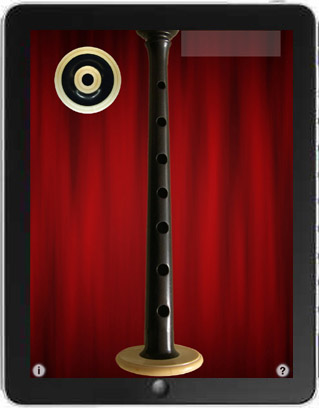

Bagpipes Royale is four extremely realistic sounding sets of Bagpipes for the iPad that are played using standard Scottish piping fingerings.
Demonstration of "Bagpipes Royale"
Orlan Charles - "Back to Home"
Bagpipes Royale includes four extremely realistic sounding sets of Scottish and Swedish bagpipes that are played using standard Scottish piping fingerings and technique.
Great Highland Scottish Bagpipes - The most popular Scottish marching pipes, in the traditional key of Bb.
Scottish Border Pipes - A Scottish smallpipe in the key of A with a sound distinctly different from but similar to the Highland pipes.
Scottish Smallpipes - A Scottish smallpipe in the key of A, one octave lower than the Border Pipes, and has a rounder, bubbly sound.
Swedish Säckpipa - A set of Swedish bagpipes in E, with a very haunting sound.
All of the instruments use authentic fingerings based on the Highland chanter.
New version 2.0 adds four new stereo reverb options for a huge, full sound: (iOS 5.0 or later required for reverb features)
How to Play
Start/stop the drones playing by touching the drone puck.
To play the chanter, touch the bar at the top left with your left thumb. This bar is the hole normally on the back of a real chanter and must be covered for the lower notes to play.
Next, touch the top three holes of the chanter starting with the tips of your left index, middle, and ring fingers.
Finally, touch the bottom four holes of the chanter with the tips of your right index, middle, ring, and little fingers.
Touch the "i" to show/hide the live performance controls.
Touch the ePipes or Tradlessons logos to visit our websites.
Touch the "?" for on-screen help and fingering chart.
The Scottish bagpipes samples are supplied by ePipes.co.uk based on their "Studio Piper" virtual bagpipes instrument.
Audio samples for the Säckpipa provided by Jonathan Parker from an instrument made in 1986 by Leif Eriksson.
Drone puck image courtesy of Mike DeSmidt.
Recently updated your iPad to iOS5? You must disable "Multitasking Gestures" in the iPad's Settings to use this app.
Apple's gestures take over control and stop the app sound once three or more fingers touch the screen.
This app requires as many as eight fingers touching the screen at the same time so you must disable the multitasking gestures.
For the same sounds, but played with a keyboard instead of a chanter, be sure to check out my "ePipesKeys HD Ultimate" app for the iPad!
"Bagpipes Royale" main screen
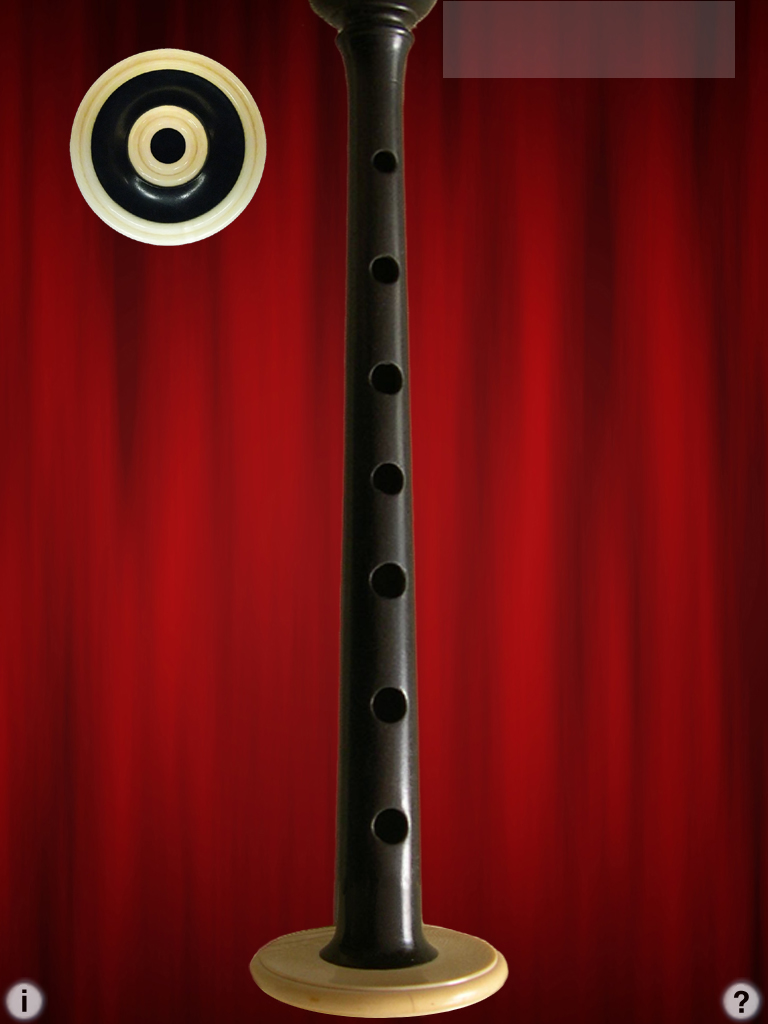
"Bagpipes Royale" while playing
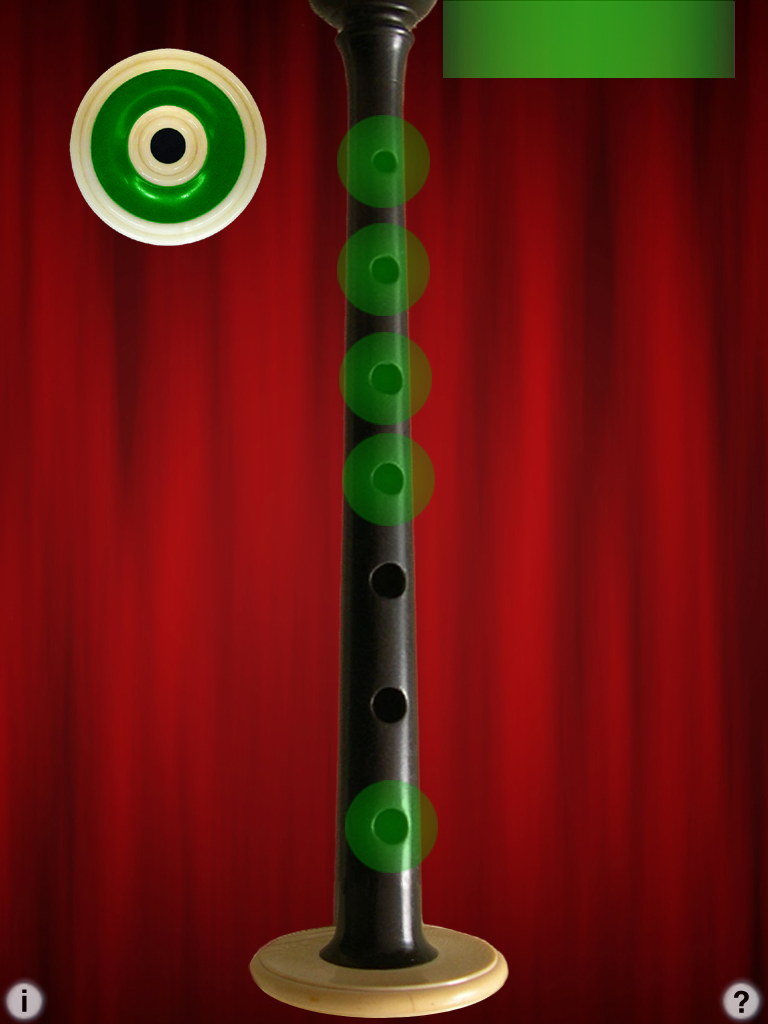
"Bagpipes Royale" v2.0 level/reverb controls and help enabled, playing the chanter, drone enabled

Q: I have an iPad with iOS5 or iOS6 and the sound stops when I put 4 fingers on the screen.
A: You must disable "Multitasking Gestures" in the iPad Settings to use many of my iPad apps.
Apple stops the sound and their gestures take over the iPad once three fingers are on the screen, so you need to disable them.
Q: I'm not hearing any sounds on my iPad! Help!
A: Make sure your audio mute switch isn't in the "mute" position.
Q: I'm not hearing any different notes! Help!
A: On the real set of bagpipes, you have to keep your left thumb covering the back chanter hole for all notes except the highest one.
On the app, the back chanter hole is provided by the gray bar (lights up green) at the bottom of the screen under your left thumb.
If you aren't hearing any different notes, make sure your left thumb is on the bar.
Q: Are the fingerings the same as a real set of bagpipes?
A: Yes, the fingerings are based on the standard Highland chanter.
The bar at the top left is the left thumb hole that is on the back of a real chanter.
Q: How should I get started playing?
A: To get started playing, start the drones by touching the drone puck.
Next to play the chanter, touch the bar at the top left with your left thumb, and touch the top holes of the chanter starting with the tips of your left index, middle, and ring fingers.
Next touch the bottom holes of the chanter with the tips of your right index, middle, ring, and little fingers.
The tips of the fingers must be used, not the flats. This is a limitation of the iPad multi-touch input system.
Q: How do I play along with tunes in my iPad's music library?
A: First, using the iPad's Settings app, under General/Home, enable the "iPod Controls" setting to allow you to bring up the iPod music control panel by double-clicking the home button while the app is running:

Before launching the bagpipes app, start a tune playing in your iPad iTunes music library using the iPad iPod app.
Next launch one of the bagpipes apps.
While the app is running you can double click the home button to bring up the iPod controls

On the controls, you can restart the track or adjust the music volume. Once you are done making adjustments, click the "Close" button.
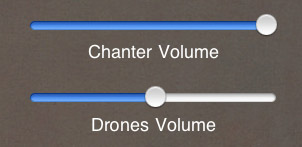
In the app, adjust the chanter and drone volumes relative to the background music by touching the 'i' icon, then use the on-screen volume controls
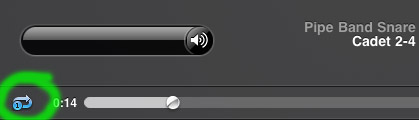
For drum tracks, before launching the bagpipes app and while in the iPod app, it is very useful to set the track to loop one track continuously by touching the double-arrow loop control just to the left of the time slider:
Q: What's the most reliable way to play to avoid any random notes or false triggering?
A: The iPad touch screen is most reliable and accurate with small touch areas rather than large surfaces in contact with the screen.
Since the Bagpipes apps really push the limits of the multi-touch capabilities of the device, it is best to use the tips of the fingers wherever possible rather than squashing the flats of the fingers down on the screen.
Pipe Major William Robertson has an extensive set of free online Highland bagpipes lessons.
City of Winchester Pipes and Drums in Virginia has a very nice collection of tunes in standard notation as .bmp images.
The Fort Collins Pipe Band has many tunes online, also some solo marching drum recordings.
There is a wealth of information online at Bob Dunsire Bagpipe Forums.
Online Säckpipa Resources:
Olle Gällmo has extensive information about playing the Säckpipa on his Swedish Bagpipes website, including free online lessons, audio files, and demonstration videos.
Seth Hamon is a builder of fine instruments here in the USA: www.swedishbagpipes.com.
Here's some Dorian mode drone sample .mp3 files for the keys of G and A you can play looped in the background on the iPad before starting up the Säckpipa app:
Right-click and save the files to your hard drive, then sync them to your iPad using iTunes.
For Dorian mode, select the G or A major scale in the app, then play starting on the second scale tone.
Thank you to Ian Law for the suggestion.
I am very interested in any suggestions for features or improvements to the apps for future updates, please drop me an email anytime with your ideas!
For more information, please contact Michael Eskin or visit the AppCordions website:
Sounds provided by ePipes: